DRT Performance Pix
A new approach to studio photo day
DRT Performance Pix helps studios manage photo day with less manual work. Explore a connected approach to image processing, family ordering, and fulfillment, with tools designed around the way dance studios operate.


Our mission
Helping studios build profit through Photo Day
The workflow
From capture to ordering, one connected flow
Pix connects the steps of photo day that studios run by hand today.
Capture setup
Choose the setup that suits your studio, from an iOS device on a tripod to a camera with lights and a backdrop.
Automatic Backdrop Fill
Image processing that replaces the background with a studio-style backdrop, then applies colour correction, lighting adjustments and sharpening.
Online ordering
Families view proofs and order from their phone, without paper forms or an app to install.
Fulfillment
Orders move to fulfillment through the same platform, so your team is not passing files and forms between systems.
Automatic Backdrop Fill
Before and after
Photograph dancers where it works for your studio. Processing replaces the background with a studio-style backdrop and applies finishing adjustments.
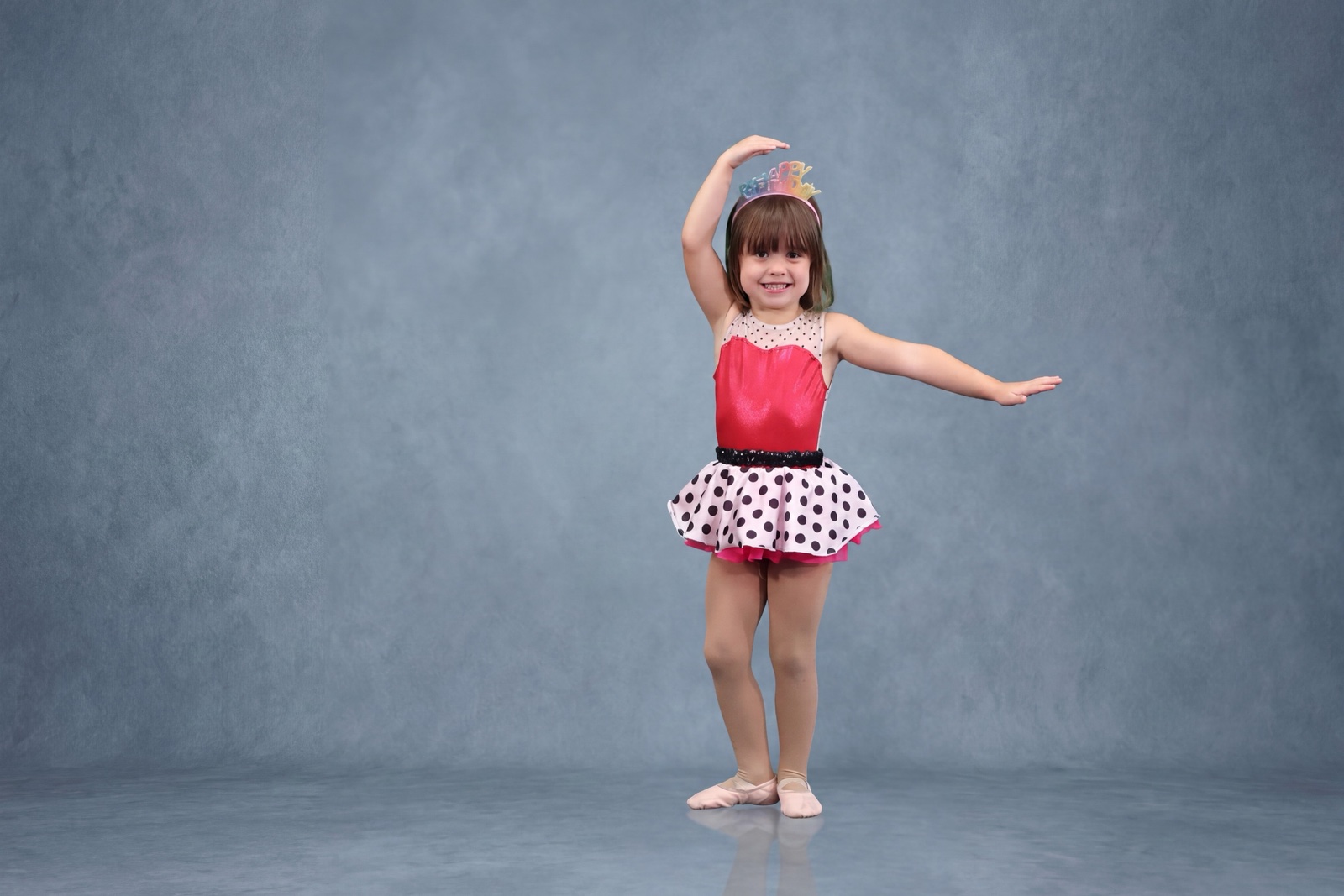
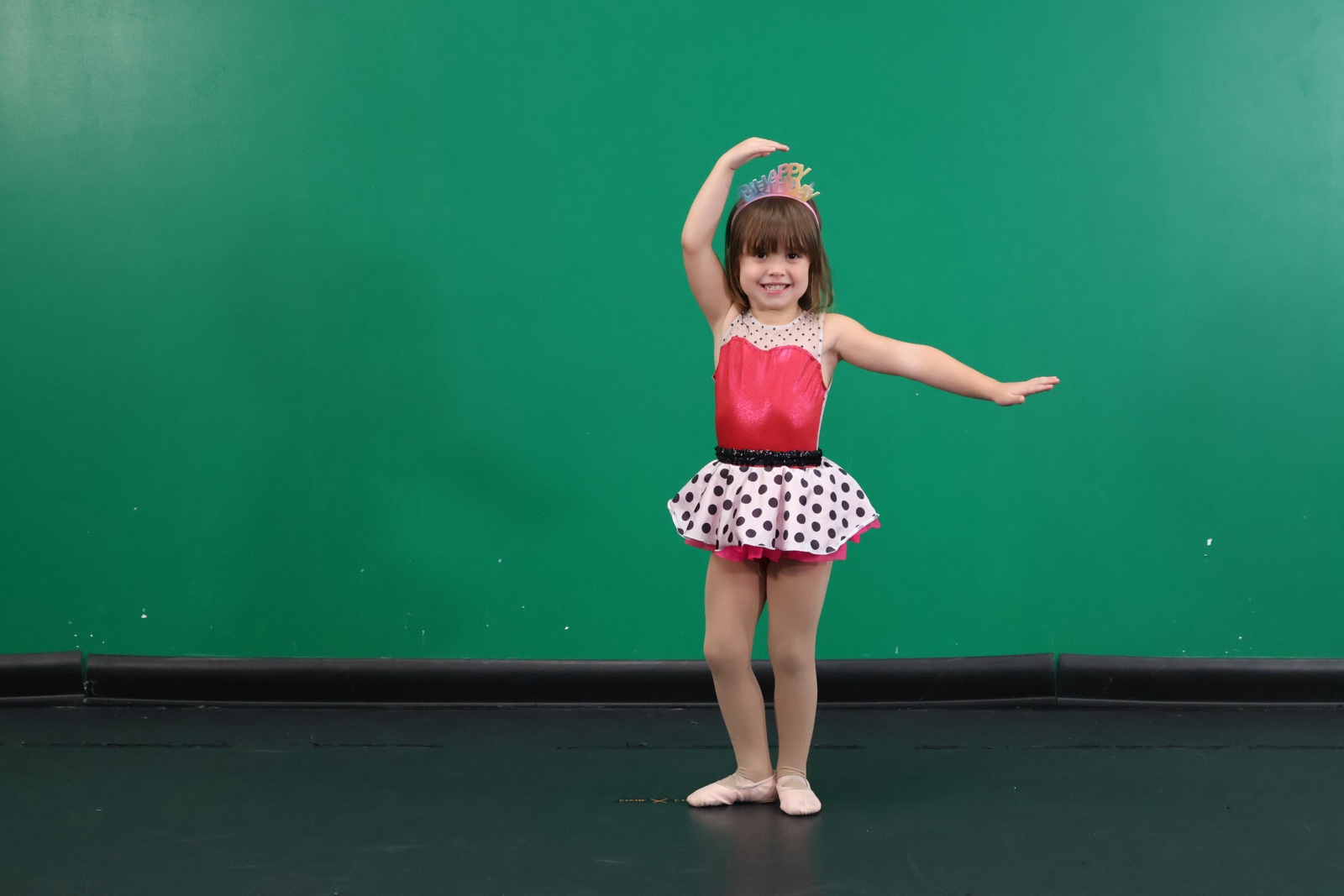
Example images from drttix.com/pix. Shown for illustration; results depend on setup and lighting.
Setup options
Which setup works best for you?
Pix is being designed around four capture setups, so a studio can start simply and add equipment later.
iOS device on a tripod
The simplest way to start.
Digital camera, tripod and iOS device
For studios that want camera-quality capture and more lighting control.
Digital camera, tripod, iOS device and photo lights
Adds full control of lighting.
Digital camera, iOS device, tripod, photo lights and a backdrop
A complete studio setup.
Pix interest list
Tell us about your photo day
Share a few details about your studio and our team will follow up about bringing Pix to your photo day.
What happens next
We add your studio to the Pix interest list and a member of our team follows up by email. Joining the list is not an enrollment or a purchase.
Thank you, your studio is on the Pix interest list
A member of our team will follow up by email. Joining the list is not an enrollment or a purchase.
Already taking part in Pix?
Find setup guidance and current materials for your photo day.
Be part of what's next
Tell us about your photo day and our team will follow up.